
The ONE thing NO ONE does not want me to tell you about AI paperwork
Before any dirt moves on my 15 acres, there’s a mountain of emails, forms, phone calls, and follow-ups. Episode 1 is how I set up an AI assistant to handle that busy work, so I can spend my time on the decisions.
The short version
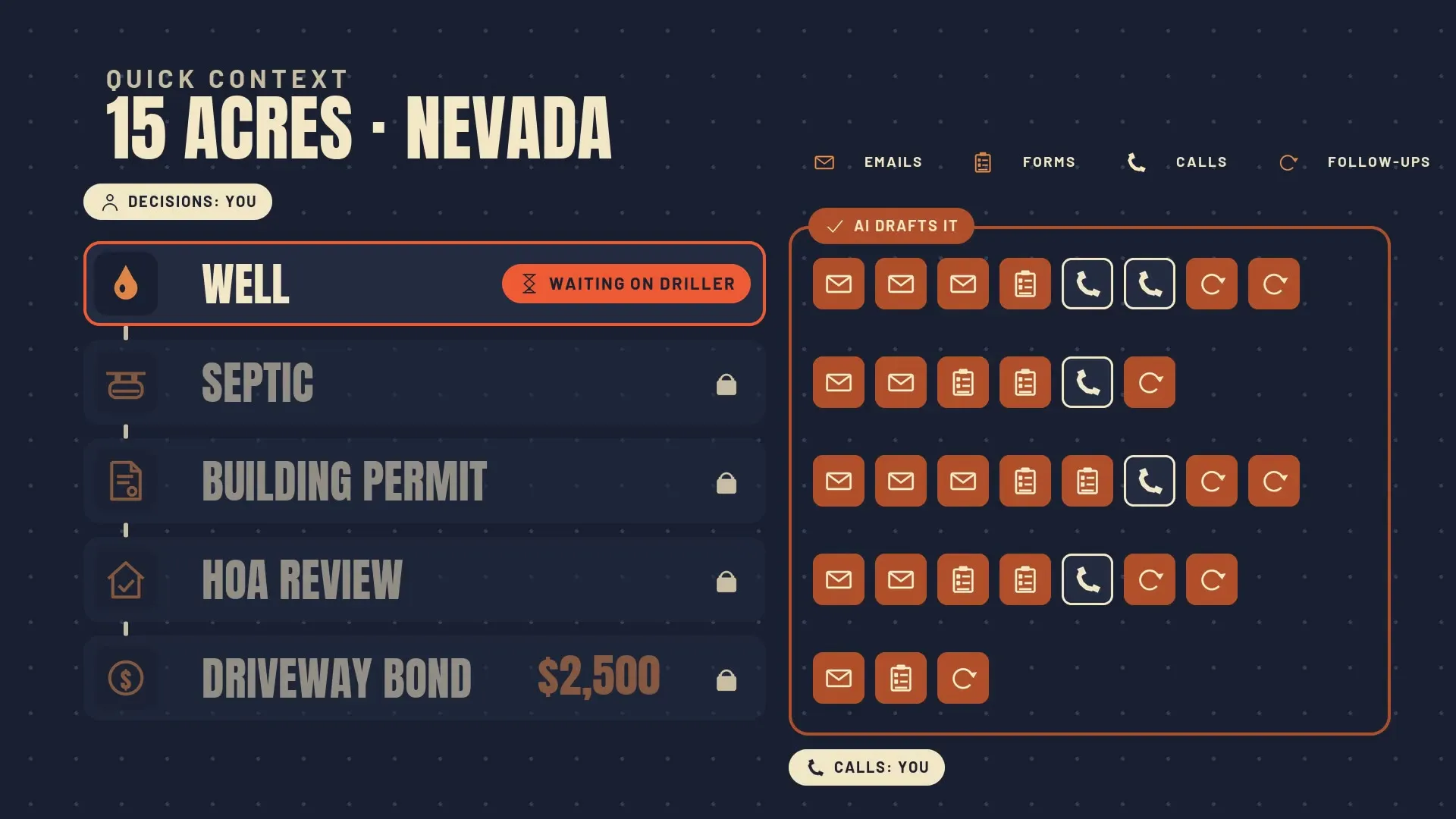
Every task on the build spawns its own pile of busy work. That’s the part I hand off.
- Write one page about yourself. Who you are, what you’re building, where your stuff lives, and what the AI is never allowed to do. It takes about an hour, and it’s the most important step.
- Set three rules. Drafts only, it never sends. I do the logins, passwords, payments, and phone calls. Anything it needs from me goes on one list.
- Connect one tool. Start with email, and use it for a week before adding anything else.
- Use three prompts. Quote requests, bid comparisons, and call cards.
- Check its work, every time. Numbers, names, dates, and sources.
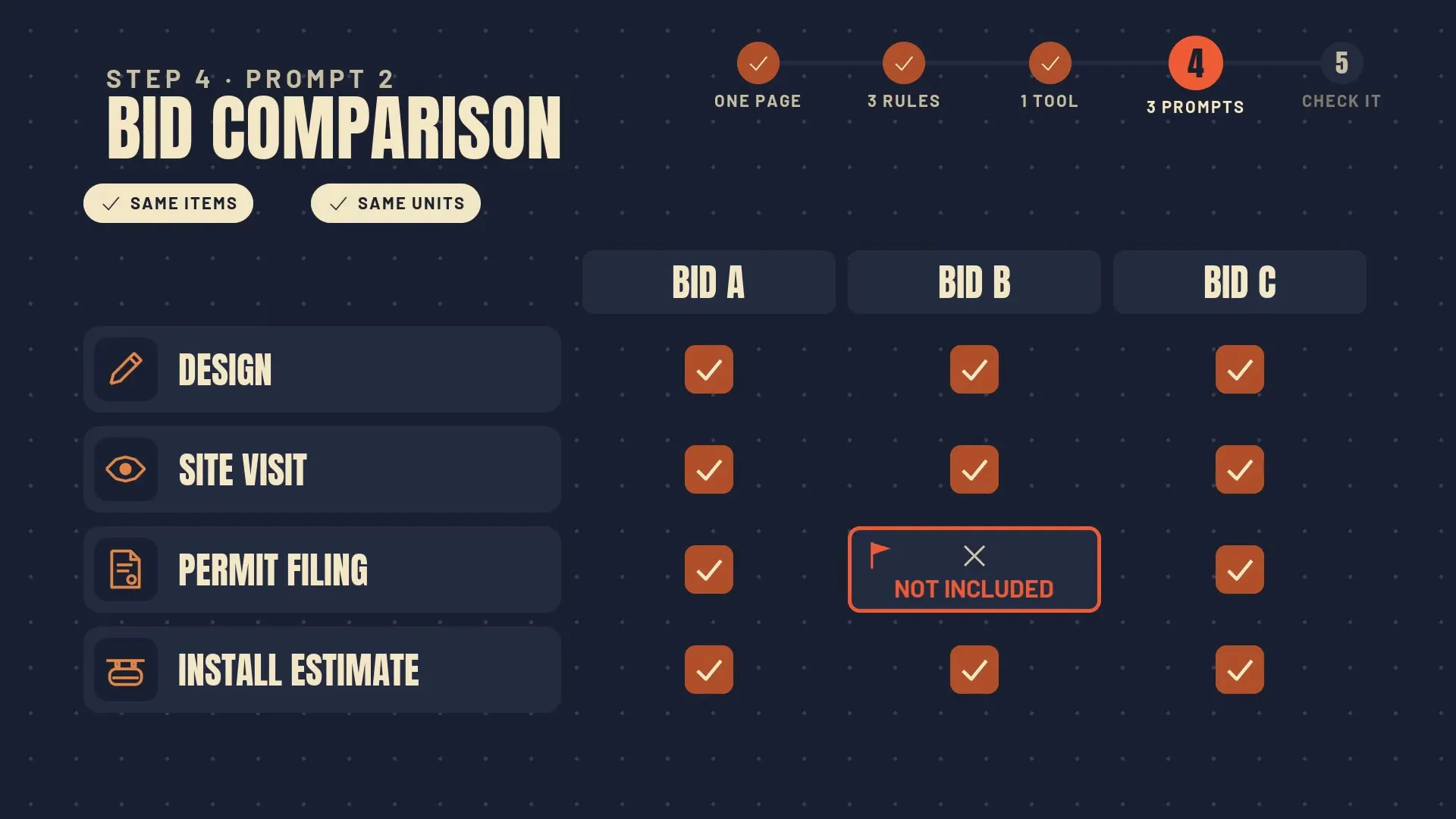
The bid comparison. The cheap quote is usually the one that left something out. (Sample, not real bids.)
Grab the free starter kit
Everything from the episode, ready to copy: the one-page template, the three rules, the three prompts, and the checklist. Get the free AI starter kit, or download it as a file.
Never used AI before? Start here
Kevin Stratvert makes the clearest beginner videos I’ve found, and they show every click my episode skips. Not sponsored.
- Claude basics, start to finish (9 min)
- Claude Projects, where your one page goes (7 min)
- Connect Gmail (watch 0:29 to 3:05; the rest sets up automatic sending, which breaks my rule one)
What it can’t do
It can’t see the land. It doesn’t know the slope, the rock, or which way the wind hits the garage door. It doesn’t replace the well driller, the county, or an engineer. It just makes me a better prepared customer.
The narration in this episode is an AI clone of my own voice, because I’m not currently in a place where I can record studio quality audio.
Next week: the well, and how deep it might have to go. Subscribe on YouTube so you catch it.